
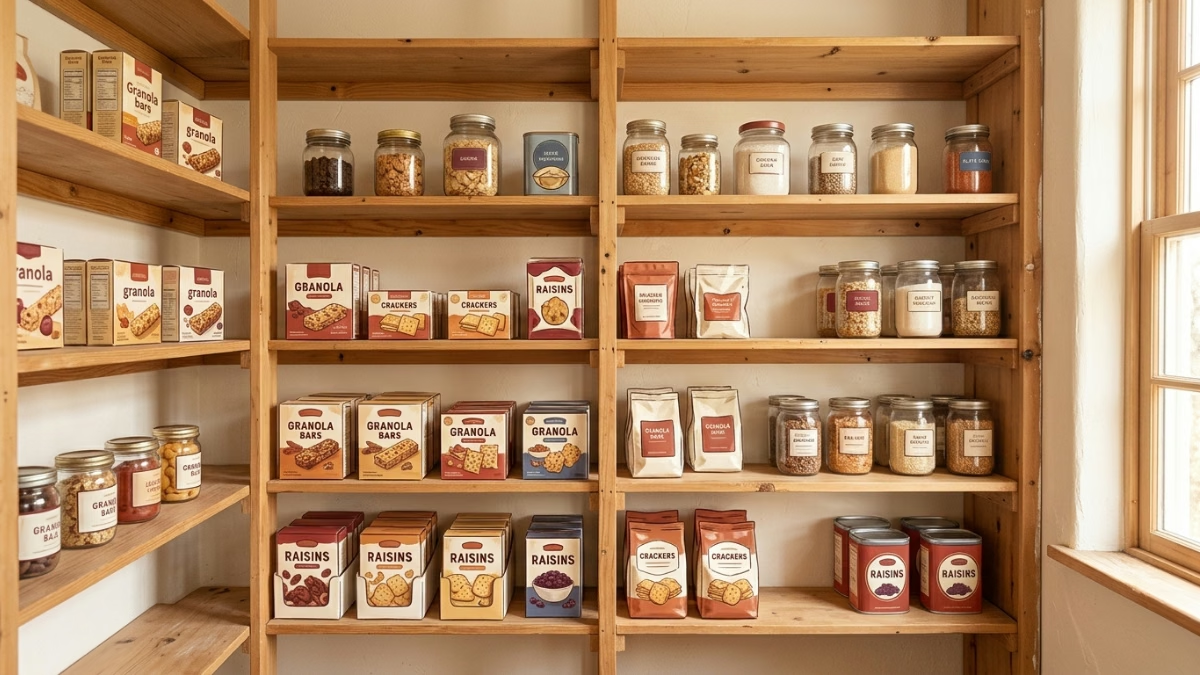
Five minutes now is worth an hour of chaos on a Tuesday morning in October. A quick back-to-school pantry scan, pull things forward, check dates, set up one lunch zone, cuts the “what goes in the lunchbox?” spiral down to almost nothing. Here’s the exact scan, in order.
Key Takeaways:
- A dedicated lunch snack zone reduces morning decision-making and speeds up school-lunch assembly.
- Grouping pantry items by function, with lunch snacks in a low, reachable kid zone, is a proven back-to-school organizing strategy.
- First-in, first-out rotation keeps older granola bars and juice boxes from dying quietly behind newer stock.
- A weekly pantry check before grocery shopping prevents duplicate purchases and catches items nearing expiration before they’re wasted.
- Pantidy tracks pantry inventory and expiration dates on iOS and Android so you always know what needs to go in the lunchbox first.
The Scan Itself (Set a Timer)
Open the pantry and pull everything forward so you can actually see it. Not reorganize it. Just pull it forward. You are looking for three things:
What’s expiring soon. Granola bars from last spring, a half-used bag of crackers next to the bread, a box of pasta that’s been in the back since the last administration. These go to the front of the queue. Build this week’s lunches around them first.
What you have doubles of. Two peanut butter jars, three boxes of raisins, four sleeves of rice cakes. That’s not a well-stocked pantry, that’s a memory problem (we’ve all done the “I definitely don’t have any more” grocery run and come home to a full shelf). Rotate newer stock behind older stock so the oldest stuff gets used first.
What’s genuinely missing. Once you can see everything, the gaps are obvious. Write them down before you forget. That list is your grocery run, not the one you reconstruct from memory while standing in the cereal aisle.
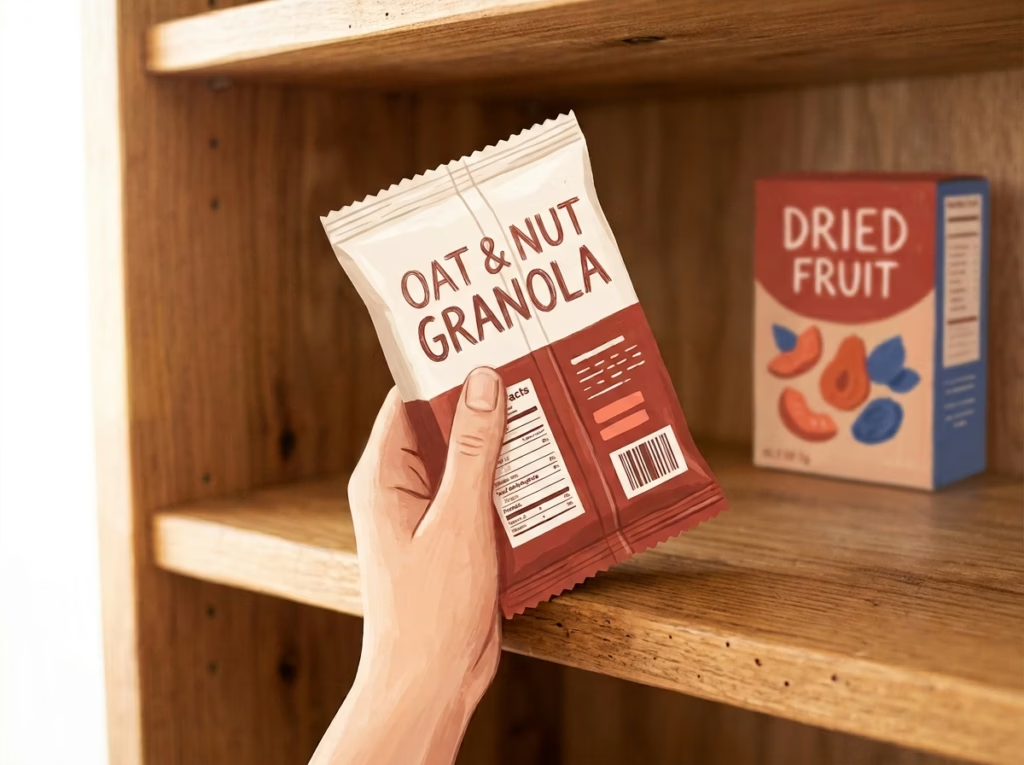
Total time: five minutes. Less if you’re motivated by the school-year countdown.
Set Up Your Back-to-School Pantry Lunch Zone
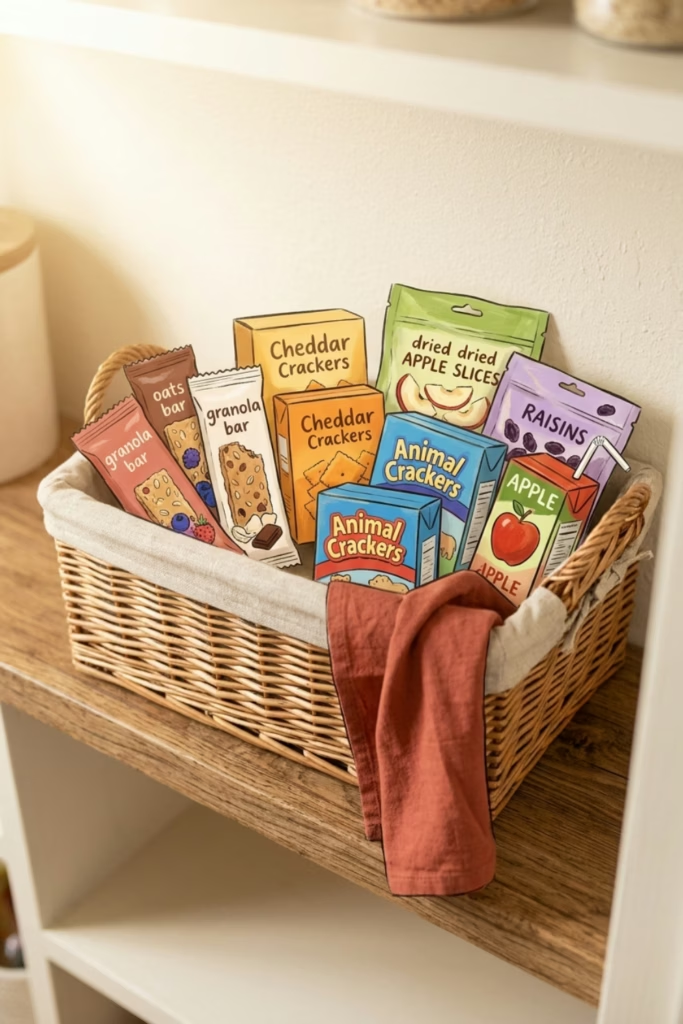
This is the move that actually saves you time every single morning. Pick one shelf, one bin, or one basket. Kid-friendly pantry bins with labels are the easiest version of this, one bin per category, and kids can restock them without asking you where things go. Everything that belongs in a lunchbox goes there: granola bars, dried fruit, crackers, nut butter packets, yogurt containers, whatever your kid will actually eat (results vary by child). Keep it low enough that they can grab approved snacks themselves.
Placing lunch snacks in a dedicated kid zone is one of the most consistently recommended back-to-school organizing strategies, per Granite Transformations, and the reason is simple: fewer choices at 7am means fewer arguments at 7am.
Enjoying this?
Eat more of what you buy.
One short email a week. Preservation tricks, ingredient deep-dives, and the small kitchen habits that can quietly save $700+ a year on food waste. Pinky promise: no spam.
Pantidy tracks what’s in your pantry and flags what’s expiring first, so you always know what to pull into that lunch zone before it quietly becomes compost. It runs on iOS and Android, 14-day free trial, then $5/month.
If you want to go deeper on the full reset, the 15-minute pre-school pantry sweep is worth the extra ten minutes once a semester.
Frequently Asked Questions
What should be on a pantry inventory checklist for school lunches?
Check expiration dates on snack staples first, granola bars, crackers, dried fruit, and nut butters are the usual suspects for “expired sometime last spring.” Pull older stock to the front, note what’s missing, and identify anything that needs to move into the lunch zone. The whole thing takes about five minutes if you’re not also reorganizing.
What goes in a pantry snack station for kids?
Shelf-stable lunchbox items: granola bars, dried fruit, crackers, nut butter packets, rice cakes, fruit cups, juice boxes. Keep it to one shelf or bin, place it low enough for kids to reach, and only stock what’s actually approved for school lunches. Fewer options in that zone means faster packing, for them and for you.
How does first-in, first-out rotation work in a pantry?
Newer purchases go behind older ones, so the older stock gets used first. When you restock granola bars or juice boxes, slide the new ones to the back and bring the older ones forward. It takes about ten extra seconds per item and prevents the graveyard of expired snacks that accumulates at the back of every shelf.
How often should I do a pantry check for school lunches?
A quick weekly scan before your grocery run is enough. It takes two minutes, shows you what’s running low and what’s nearing expiration, and keeps your shopping list honest. Pantidy can handle this automatically, it tracks expiration dates and tells you what to use first, so the weekly check is already done.
Can I find lunchbox meal ideas from what’s already in my pantry?
Yes, that’s the whole point of the scan. Once you know what you have, matching it to lunches gets easier. The no-cook pantry pinwheel lunchbox is a good starting point if you’re staring at tortillas and deli meat and drawing a blank.
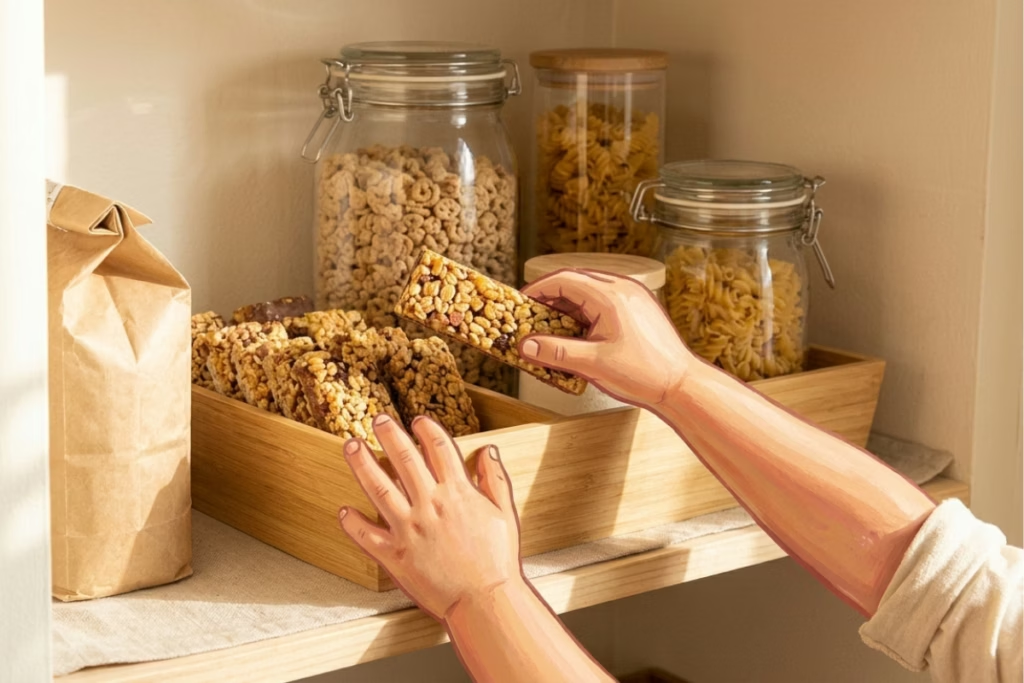
Do this today: open your pantry, pull everything forward, and spend two minutes moving the oldest snacks to the front. That’s it. The lunch zone can wait until the weekend. The expiration check cannot.
Food Waste Calculator
How much food are you throwing away?
The average household wastes about 30% of the food they buy. See what that costs you.
You’re throwing away about
$0
per year in wasted food
Pantry + Recipes
From "What's in the Fridge?" to Dinner in Minutes
Pantidy is a smart pantry app on iOS and Android that tracks what you have, flags what's expiring, and matches your inventory to recipes you've already saved.
- See every recipe you can make right now
- Filter for recipes that use expiring items first
- Check ingredient match percentages at a glance
- Add missing items to your shopping list in one tap