
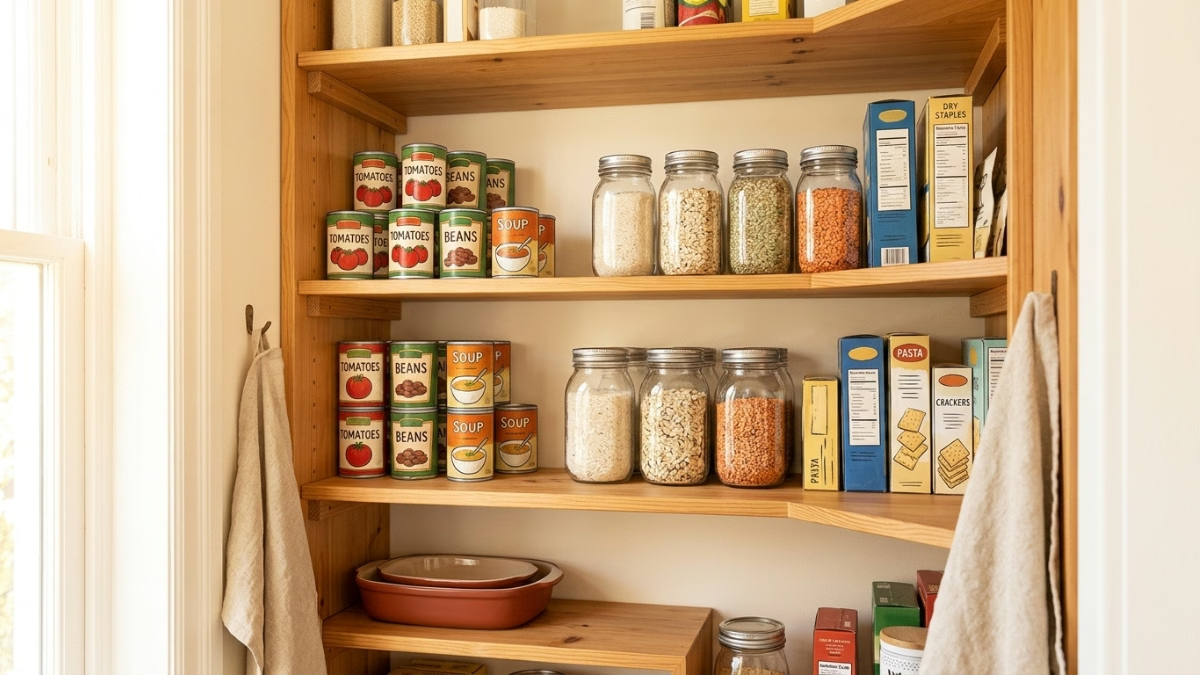
A 2-minute pantry inventory before shopping is all it takes to stop buying things you already own. Check what’s low, spot what’s expiring, and look behind the things in front. Do that before you write the list and you’ve already won half the battle.
Key Takeaways:
- A 2-minute pre-shop pantry scan is the fastest way to stop buying items you already own (per Chomp Shopper).
- Grouping like items together and keeping older stock at the front (FIFO) lets you see what you have before you rebuy it.
- A dedicated ‘use first’ zone in your fridge keeps expiring items visible so they get eaten, not replaced.
- Recording new items as soon as you bring them home and reviewing inventory monthly prevents the slow build-up of forgotten duplicates.
- Pantidy is a smart pantry app on iOS and Android that tracks what you have, flags what’s expiring, and builds your shopping list, free to try for 14 days.
Why You Keep Buying Duplicates (It’s Not Your Memory)
The real culprit isn’t forgetting. It’s storage design. When similar items aren’t grouped together, all the canned goods in one place, all the grains in another, you can’t see what you have at a glance, so you assume you’re out. That’s how my Mom ends up with several jars of peanut butter after being reassured by everybody else in the house that they’re “definitely out of peanut butter.”
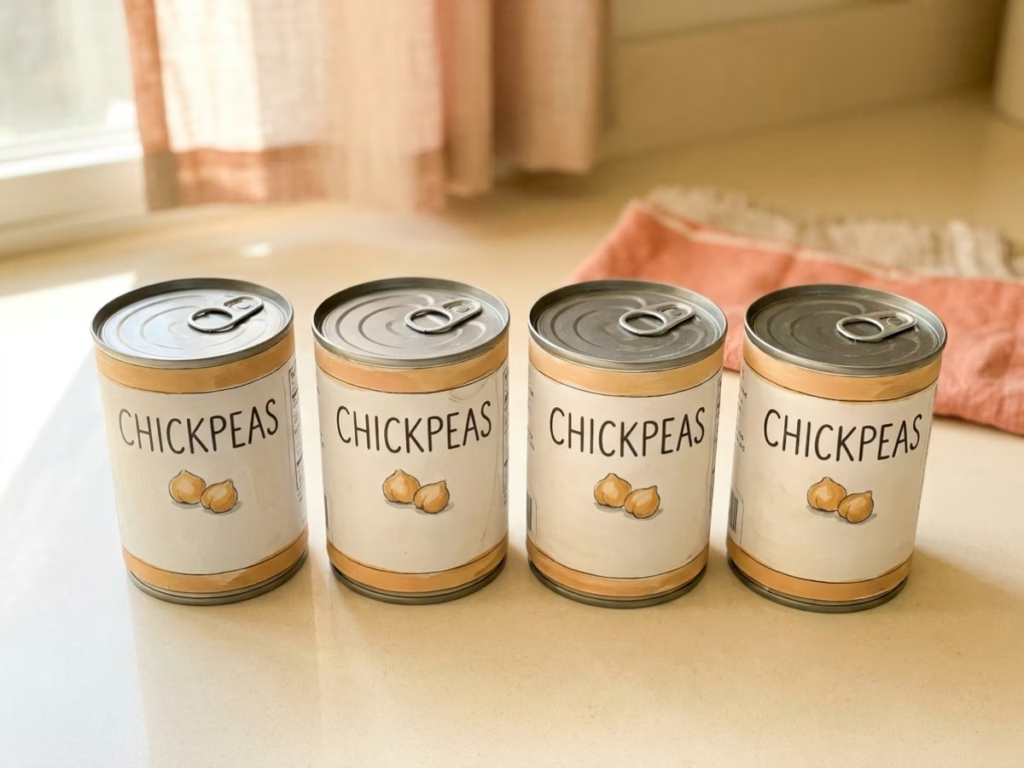
The fix from pantry organization guides is simple: group like with like, and keep older items at the front, per Cook Smarts. Newer cans go to the back. The rice you bought last month stays in front of the rice you bought this week. FIFO, first in, first out, isn’t just a restaurant thing, per Chomp Shopper. It’s the reason you stop re-buying olive oil you definitely already have.
The 5-Minute Pantry Inventory Before Shopping
You don’t need a full audit every week. One guide recommends saving the 30-60 minute deep-dive for an initial setup, then maintaining it with just 2 minutes before your weekly grocery list, per Chomp Shopper. Here’s what those 2 minutes look like:
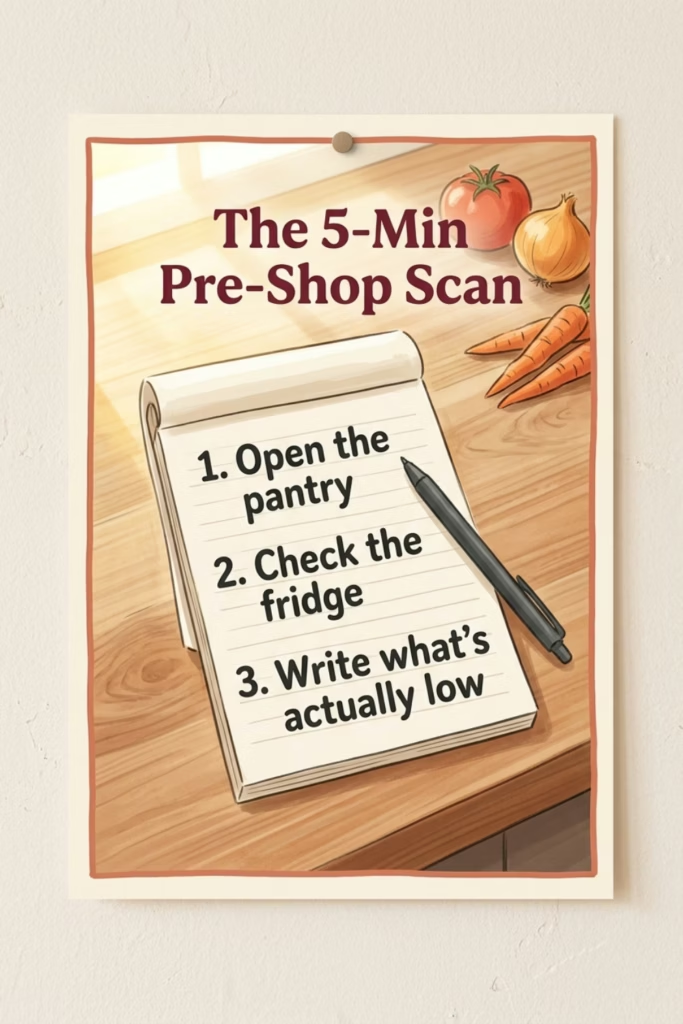
- Open the pantry. Pull anything forward that’s been pushed to the back. Check one shelf per zone, dry goods, canned, snacks.
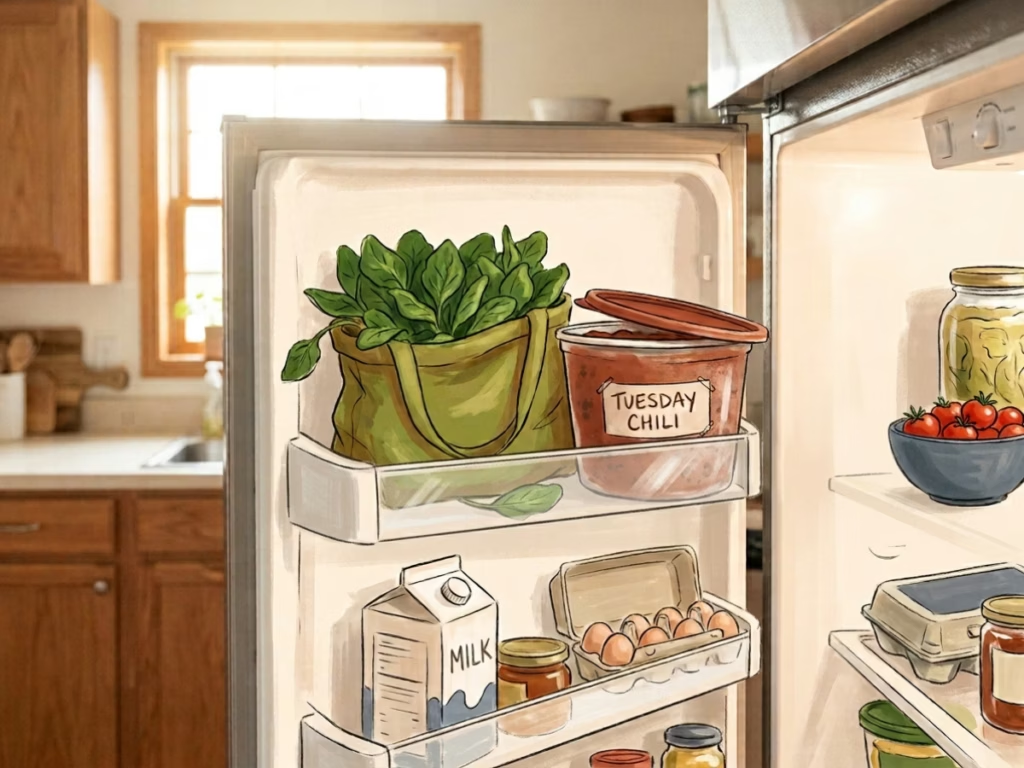
- Check the fridge. Anything expiring in the next three days goes into a “use first” spot at eye level. Spinach, chicken breast, leftovers, whatever’s closest to the edge gets the front-row seat.
- Write down what’s actually low. Not what you think might be low. What you can see is low.
That last step is the one most people skip. That last step is the one most people skip. Write it down.
If you want a pantry inventory checklist to work from, Pantidy builds one automatically from what you’ve logged. Available on iOS and Android. Try it free for 14 days.
Enjoying this?
Eat more of what you buy.
One short email a week. Preservation tricks, ingredient deep-dives, and the small kitchen habits that can quietly save $700+ a year on food waste. Pinky promise: no spam.
Frequently Asked Questions
How long does a pre-shop pantry scan actually take?
Two minutes if you do it weekly, per Chomp Shopper. The 30-60 minute version is a one-time setup to get everything organized and visible. After that, the weekly scan is just a quick look before you write the list, not a reorganization project.
What should I look for during a pantry scan?
A pantry inventory before shopping comes down to three things: items that are low or empty, items expiring soon, and items that have been pushed to the back and forgotten. You’re doing triage, not counting. Move expiring food to a visible “use first” zone and add genuinely low items to your list.
Why do I keep buying the same things twice?
Usually because similar items aren’t stored together, so you can’t see what you have. Grouping like items and keeping older stock at the front solves most of it, per Cook Smarts. The other culprit is writing your grocery list from memory instead of from an actual look at your shelves.
Does this work for the fridge and freezer too?
Yes. A weekly scan of all three zones, pantry, fridge, freezer, is the full picture. The freezer is especially useful: recording what’s in there before you shop prevents buying fresh chicken when you already have three portions frozen (two of which were from different trips).
Today’s action: Before your next grocery run, spend two minutes pulling things forward in your pantry and fridge. Write down what’s actually low. Cross-check before you add anything to the list. That’s the whole scan.
Food Waste Calculator
How much food are you throwing away?
The average household wastes about 30% of the food they buy. See what that costs you.
You’re throwing away about
$0
per year in wasted food
Pantry + Recipes
From "What's in the Fridge?" to Dinner in Minutes
Pantidy is a smart pantry app on iOS and Android that tracks what you have, flags what's expiring, and matches your inventory to recipes you've already saved.
- See every recipe you can make right now
- Filter for recipes that use expiring items first
- Check ingredient match percentages at a glance
- Add missing items to your shopping list in one tap