
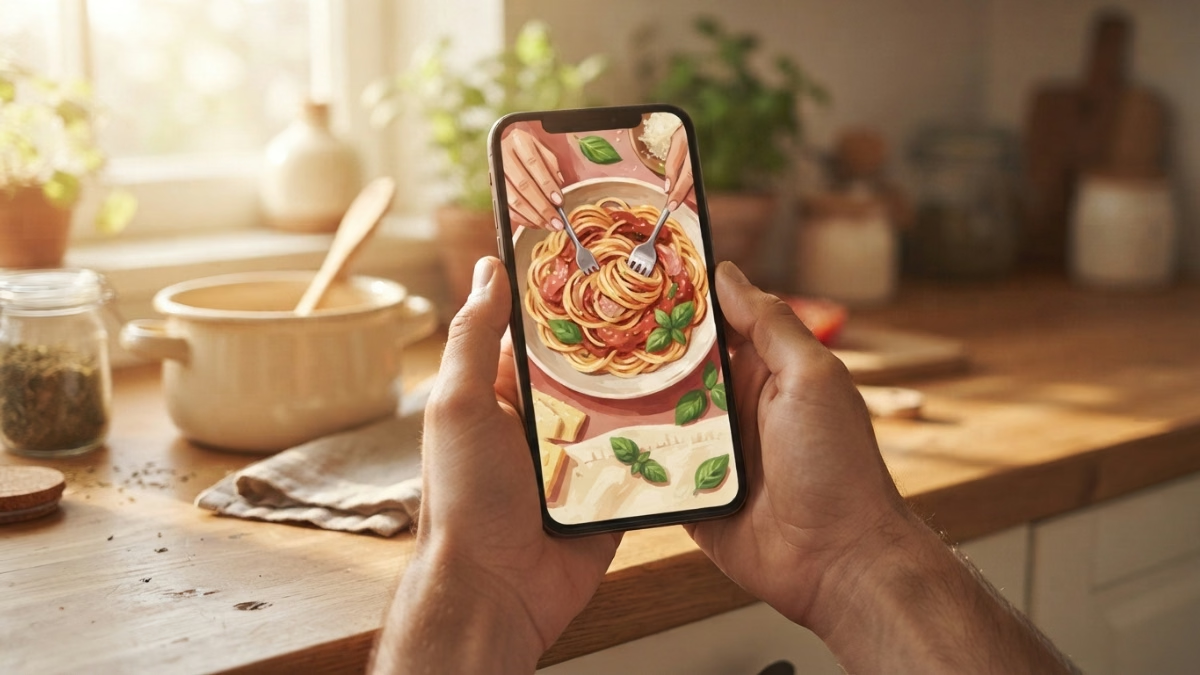
You found it. A weeknight pasta that looked genuinely good. You hit the heart, kept scrolling, and it is gone forever. Here is how to save online recipes so you can actually cook them later: use a browser clipper for web pages and a share-sheet import for social video. Screenshots cover everything else. Here’s how each one works.
Key Takeaways:
- Browser recipe clippers like Recipe-Clipper strip ads and pop-ups to save just the ingredients, instructions, and timings from any webpage in one click.
- TikTok, Instagram, Facebook, and YouTube recipes can be saved to a supporting app using the platform’s native share icon, private-group content usually cannot be imported directly and requires a screenshot instead.
- In-app saves on social platforms are a dead end for cooking: the recipe stays buried in a Like or Bookmark list, not somewhere you can actually pull it up mid-cook.
- Pantidy is a smart pantry and recipe app for iOS and Android that lets you save recipes from photos, screenshots, and social media, then matches them to what you already have in the house.
How to Save Online Recipes From Any Website or Social App
From a blog or website: use a browser clipper
If the recipe lives on a blog or website, a browser clipper is the fastest tool. Recipe-Clipper, for example, extracts the ingredients, instructions, and times from any page in one click and strips out the ads, the pop-ups, and the three-paragraph backstory about a grandmother’s trip to Tuscany. The result is a clean recipe in a personal cookbook you can actually search. That is the best way to save recipes from websites: one click, clean output, searchable later.
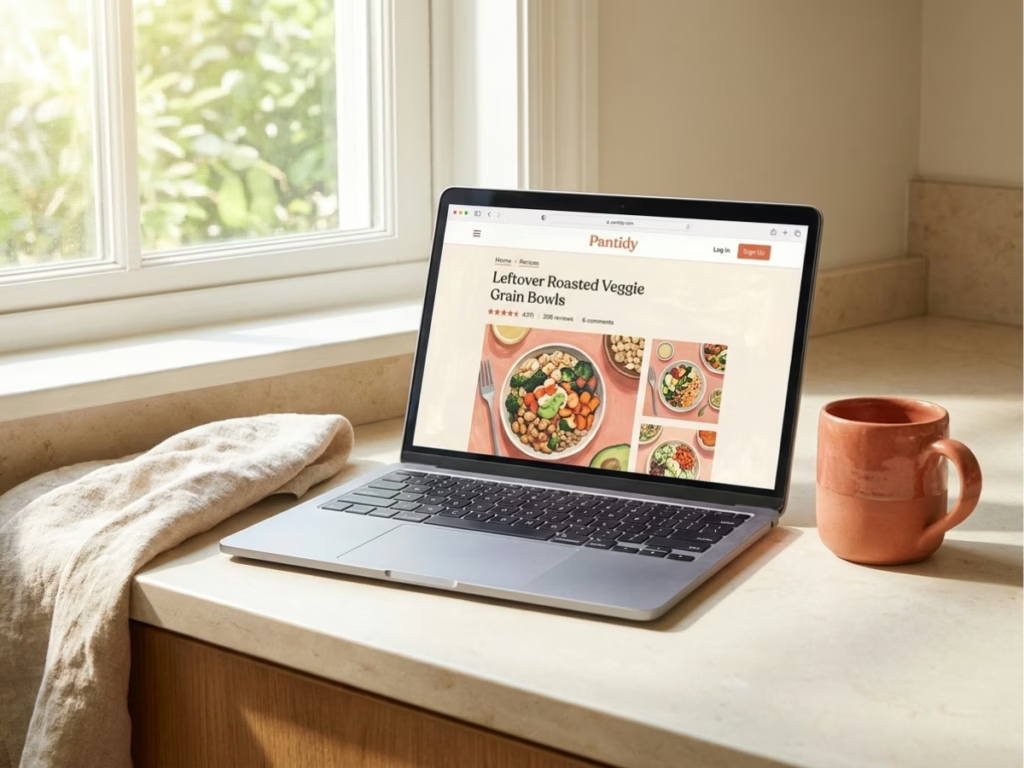
Save.Cooking’s Chrome extension works the same way: one-time setup, then a “Clip Recipe” button whenever a recipe is worth keeping. You’ll stop copy-pasting ingredients into notes apps. (Your notes app is not a cookbook. It is a graveyard of half-finished lists.)
From TikTok or Instagram: share into an app
The in-app save is the problem. A TikTok like and an Instagram bookmark both put a recipe somewhere you will never find it at 6pm on a Tuesday. The better move is to share the content directly into an importer.
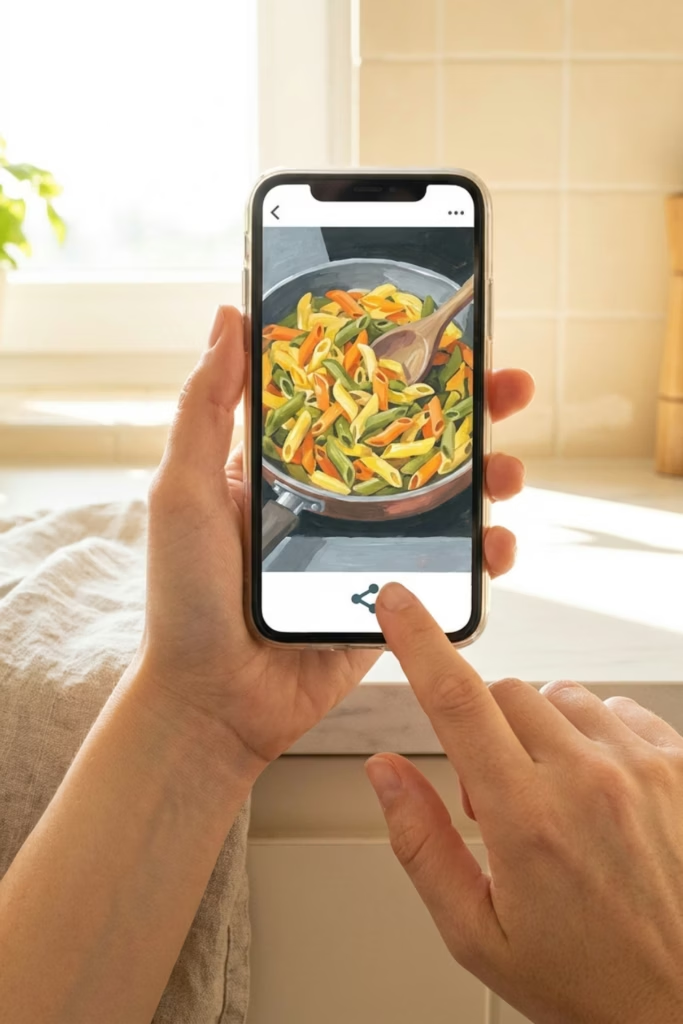
FoodiePrep’s 2026 guide notes that TikTok, Instagram, Facebook, and YouTube recipes can be saved by using the platform’s share icon and choosing a supporting app. Tap share, pick the app, done. Private-group content usually cannot be imported this way, that’s when the screenshot becomes the correct answer, not a failure.
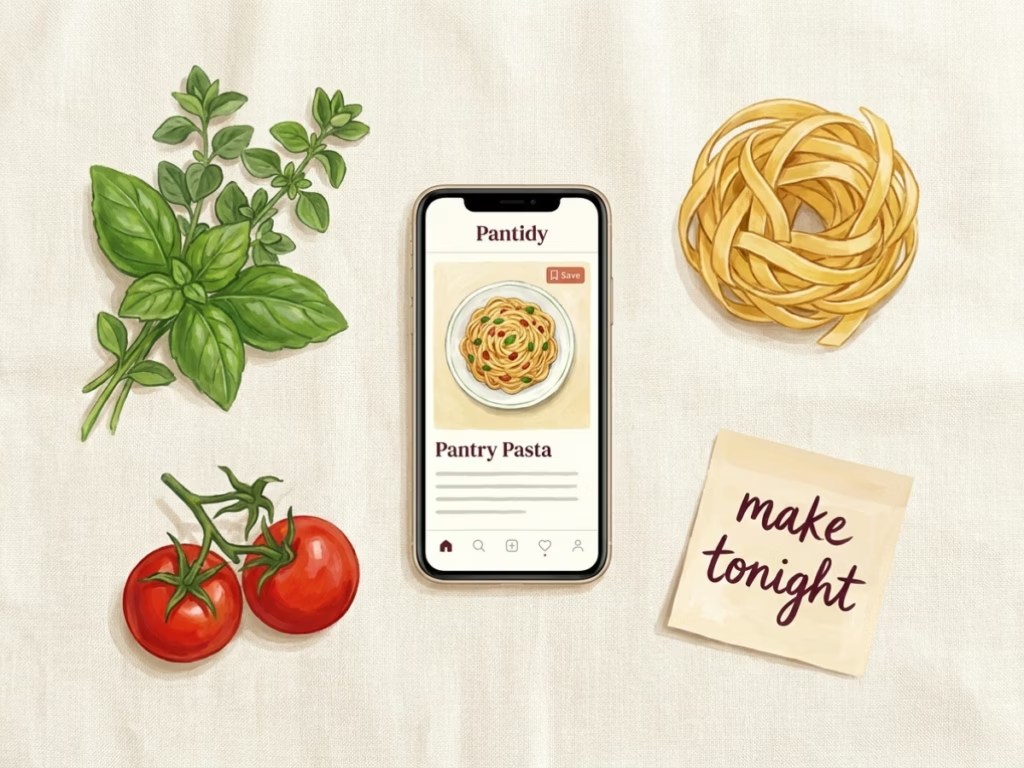
Pantidy on iOS and Android lets you save recipes from a photo or screenshot too, so when the share-sheet method hits a dead end, you have a backup that actually works. Once the recipe is in, it lives alongside your pantry inventory, and Pantidy shows you which of your saved recipes you can make from what’s already in your fridge. That part is genuinely useful when you’re standing in the kitchen with half a chicken and no plan.
If you want to go deeper on how this works, Pantidy’s guide to saving recipes from social media covers the full workflow.
Enjoying this?
Eat more of what you buy.
One short email a week. Preservation tricks, ingredient deep-dives, and the small kitchen habits that can quietly save $700+ a year on food waste. Pinky promise: no spam.
Try Pantidy, 14-day free trial.
Frequently Asked Questions
Can I save a TikTok recipe without screenshotting it?
Yes, if the video is public. Use the share icon inside TikTok and send it to a recipe-saving app that accepts social imports. Private videos, stories, and group posts usually cannot be imported this way, screenshot those instead.
Why doesn’t saving a recipe inside Instagram actually work?
Your Instagram saves live inside Instagram. There is no way to search them by ingredient, pull them up while shopping, or match them to what is already in your fridge. It is a Like with better branding. The recipe needs to leave the app to be usable.
What is a recipe clipper?
A recipe clipper is a browser extension that reads a recipe webpage and extracts the ingredients, instructions, and timing into a clean, searchable format. It skips the ads and the life story. Recipe-Clipper is one example that works on any recipe site in one click.
What should I do when a recipe is in a private Facebook group?
Screenshot it. Most recipe importers cannot reach private-group content directly. A screenshot saved to your camera roll, then scanned into a recipe app, gets you the same result with one extra step. Not glamorous, but it works.
Does Pantidy work as a recipe saver?
Pantidy is one solid answer to how to save online recipes: it accepts photos, screenshots, and social media shares, then organizes them alongside your pantry inventory. It shows you which saved recipes you can make from what you already own. It runs on iOS and Android with a 14-day free trial.
One thing to do today: find the last recipe you bookmarked inside Instagram or TikTok and actually never cooked. Save it somewhere real and actually organize your online recipes, a browser clipper, a photo in a recipe app, or a screenshot that goes somewhere searchable. That’s it. Future you, standing in the kitchen at 6pm, will appreciate it.
Food Waste Calculator
How much food are you throwing away?
The average household wastes about 30% of the food they buy. See what that costs you.
You’re throwing away about
$0
per year in wasted food
Pantry + Recipes
From "What's in the Fridge?" to Dinner in Minutes
Pantidy is a smart pantry app on iOS and Android that tracks what you have, flags what's expiring, and matches your inventory to recipes you've already saved.
- See every recipe you can make right now
- Filter for recipes that use expiring items first
- Check ingredient match percentages at a glance
- Add missing items to your shopping list in one tap