
You see a perfect chicken recipe on TikTok, double-tap, move on, and never find it again. That’s not a memory problem. That’s a workflow problem, and it has a one-tap fix.
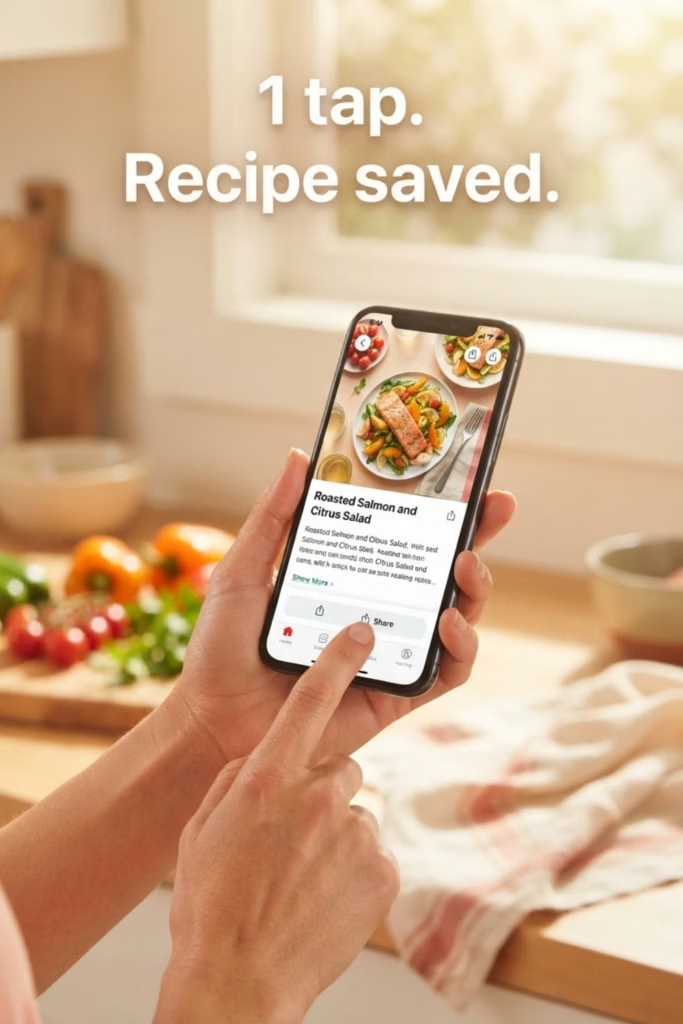
The fastest way to save recipes from social media is the Share button. Open the post in TikTok, Instagram, Pinterest, or YouTube, tap Share, and send the link to a dedicated recipe app. The app pulls the ingredients, instructions, and a photo automatically. No manual copying. No screenshot folder you’ll never open again.
Key Takeaways:
- The fastest way to save recipes from social media is the Share sheet: tap Share in TikTok or Instagram, choose your recipe app, and the ingredients and instructions are extracted in one step.
- Instagram’s built-in Save is a bookmark, not a recipe. It stores the post, not the ingredient list or cooking steps.
- Dedicated recipe apps like Pantidy let you save recipes from social media and match them against your current pantry so you know which ones you can cook right now.
- Recipe apps that support social import can also process screenshots and photos of handwritten recipes, turning any source into a searchable record.
- Organizing saved recipes into folders (weeknight meals, leftovers, budget dinners) turns them from inspiration into an actual plan.
The Real Problem With Instagram’s Save Button
Instagram’s built-in saved posts are a bookmark, not a recipe. They store the post. They do not store the ingredient list, the steps, or the quantities. You’re one algorithm update away from the account disappearing or the post getting deleted, and your “saved” recipe is gone with it.
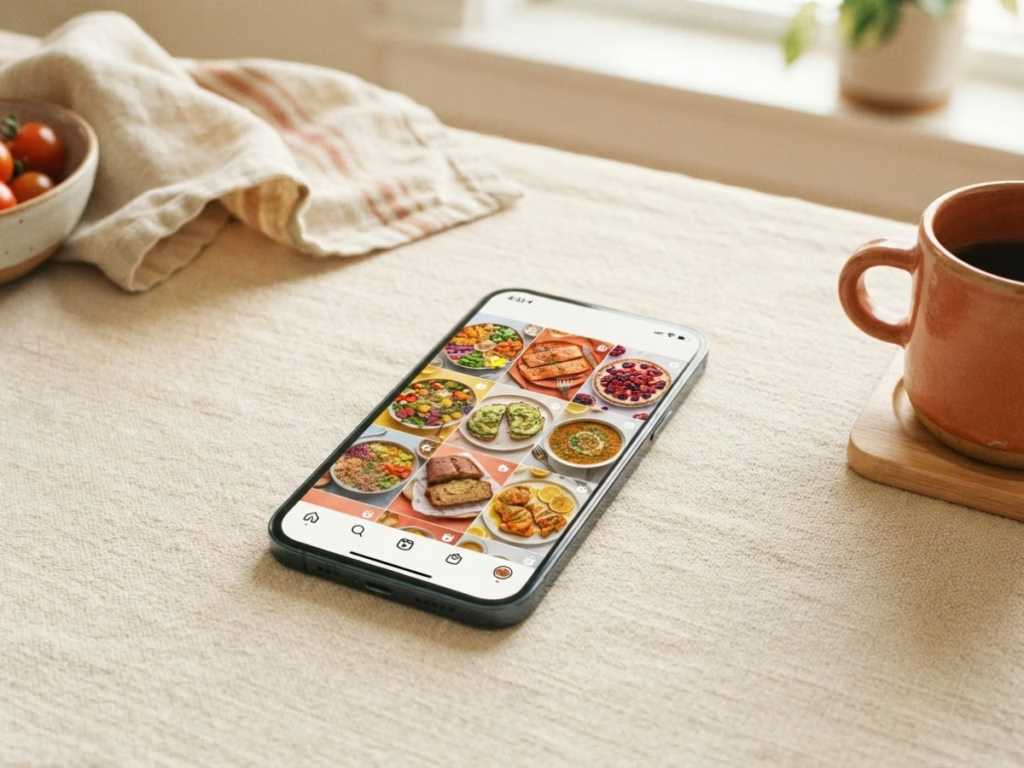
Recipe apps solve this by extracting the actual content at save time. Apps in this space describe the goal the same way: turn a shared TikTok, Instagram, Facebook, or Pinterest post into a clean, searchable recipe you can edit, tag, and plan for later. The post becomes yours, independent of whatever the original account does next.
How to Actually Do It (Thirty Seconds, One Time)
The standard flow, per OrganizeAT:
- Open the recipe post in your social app.
- Tap the Share button (the arrow or the three dots).
- Choose “Share to…” and select your recipe app.
- The app downloads the ingredients, instructions, and photo.
Done. That’s the whole thing. Some apps can even analyze the video, caption, and comments to reconstruct a recipe where no written version exists, which is most of TikTok, honestly.
Pantidy works on iOS and Android and accepts recipes via the Share sheet from any social platform. Once a recipe is saved, it shows up under “Can Make” if you already have the ingredients on hand, or “Use Expiring” if the recipe happens to use something in your fridge that’s about to go. That’s the part the screenshot folder cannot do. (The screenshot folder does not know you have half a bunch of spinach that expires Friday.)
The Folder Habit That Makes Saved Recipes from Social Media Usable
Saving is step one. Organization is what turns a collection into a plan. A few folders that actually earn their keep: weeknight meals, use-up leftovers, budget dinners, and one called “someday” for the ambitious stuff you’ll make when you have three hours and feel like an Iron Chef contestant.
Enjoying this?
Eat more of what you buy.
One short email a week. Preservation tricks, ingredient deep-dives, and the small kitchen habits that can quietly save $700+ a year on food waste. Pinky promise: no spam.

When you’re standing in front of the fridge at 6pm with no plan, a searchable saved recipe library beats a scroll through 400 bookmarked posts every time. Try Pantidy free for 14 days and see how many recipes you already have the ingredients for.
Looking for inspiration on what to actually cook? We have a few ideas: leftover steak, extra zucchini, and the classic leftover French onion dip (yes, it has uses beyond the chip bowl).
Frequently Asked Questions
Can I save recipes from TikTok without copying them manually?
Yes. Tap the Share button on any TikTok post and send the link to a recipe app that supports social import. Apps in this space, including Pantidy and Stashcook, describe the process as instant capture with no manual transcribing required (except for the occassional verification). The app does the reading so you don’t have to.
Reels work the same way. Tap Share on any Reel, send it to Pantidy or another recipe app, and the ingredients are pulled out automatically. No manual copying, no ‘import recipes from TikTok’ search required.
Is saving a recipe on Instagram the same as saving it to a recipe app?
No. Instagram’s save function bookmarks the post, not the recipe content itself. A dedicated recipe app extracts ingredients, quantities, and instructions at save time, so the recipe is yours regardless of what happens to the original post.
Can recipe apps handle handwritten recipes and screenshots too?
Most of them, yes. Apps like Pantidy and ReciMe support saving from screenshots and photos of handwritten recipes in addition to social media links, per ReciMe. So your grandmother’s index card and that reel you found at midnight are equally saveable.
How does Pantidy connect saved recipes to my pantry?
Pantidy tracks your pantry inventory with expiration dates and quantities, then matches those items against your saved recipes to show which ones you can make right now. It runs on iOS and Android with a 14-day free trial.
Do this today: Open TikTok or Instagram, find one recipe you’ve saved or bookmarked in the last month, and share it to a recipe app using the Share button. One recipe, one tap. That’s the whole starting point.
Food Waste Calculator
How much food are you throwing away?
The average household wastes about 30% of the food they buy. See what that costs you.
You’re throwing away about
$0
per year in wasted food
Pantry + Recipes
From "What's in the Fridge?" to Dinner in Minutes
Pantidy is a smart pantry app on iOS and Android that tracks what you have, flags what's expiring, and matches your inventory to recipes you've already saved.
- See every recipe you can make right now
- Filter for recipes that use expiring items first
- Check ingredient match percentages at a glance
- Add missing items to your shopping list in one tap